

It is easier than ever to bring a FAMILY name to the temple, and I’m going to show you some simple ideas and tips that you can follow to do just that.
But first, why bring a family name instead of just using the temple names? Of course busy schedules and family things do come up, so always take the opportunity to go to the temple even if you don’t have a name, there are plenty of people that need our help from all over the world. I have found from personal experience, however, that bringing a family name can bring the spirit and the love of our family on the other side closer, and brings joy to our lives and our homes.
“For we without them cannot be made perfect; neither can they without us be made perfect. Neither can they nor we be made perfect without those who have died in the gospel also; for it is necessary in the ushering in of the dispensation of the fulness of times, which dispensation is now beginning to usher in, that a whole and complete and perfect union, and welding together…should take place” (D&C 128:18)
You don’t have to be a historian or do genealogy for hours to find a name to bring to the temple. If you have at least a few filled out connections in your tree, the Family Search Website and App are simple to use, and can search for you! (If you need help getting started with your tree, contact your ward family history consultant)
Ordinances Ready is a great tool provided by Family Search that can help us in our endeavor to bring family names to the temple.
Steps for using Ordinances Ready:
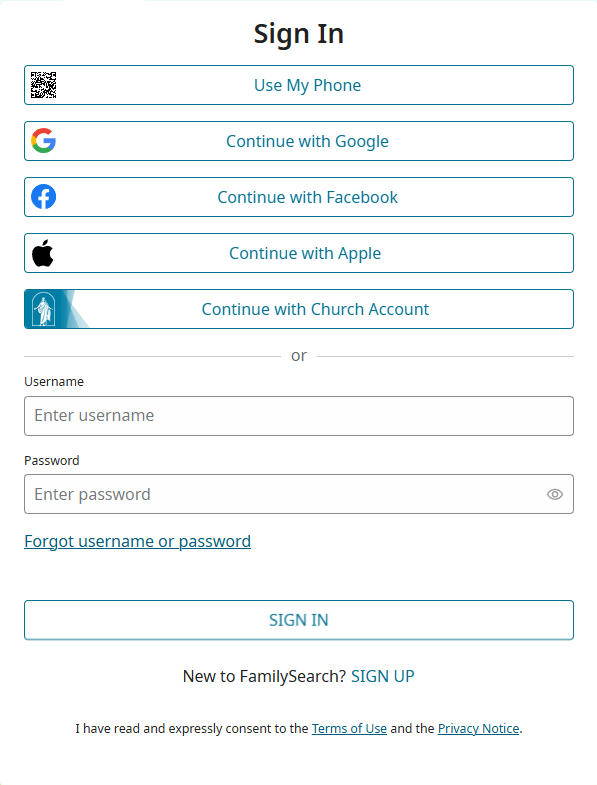
Step 1: Log into Family Search on your computer or the app on your phone. If you want to take names to the temple, sign in with your church account.
Step 2: Select Ordinances Ready on the main homepage, or by clicking on the Temple tab on your computer, and then selecting Ordinances Ready. If on the app, it should be the main screen.

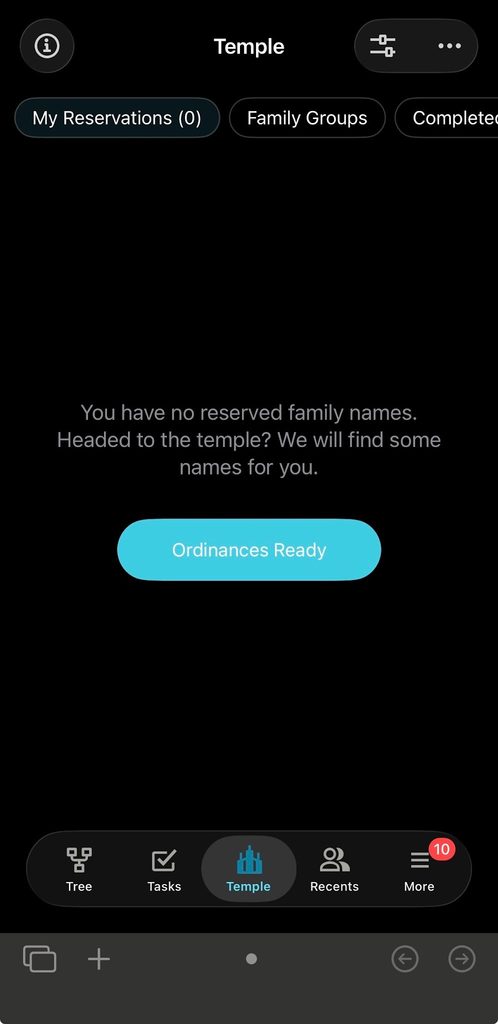
Step 3: Select gender, and what ordinances you would like to perform


Step 4: Allow time for it to search your tree, and once ordinances are found, reserve them. If doing so on a computer you can easily print from there, but if you do not have a printer, reserve the names on your phone. This gives you the option of having the names printed right from the temple! The Family Search App will generate a QR code on your phone that you can scan at the help desk in the temple.
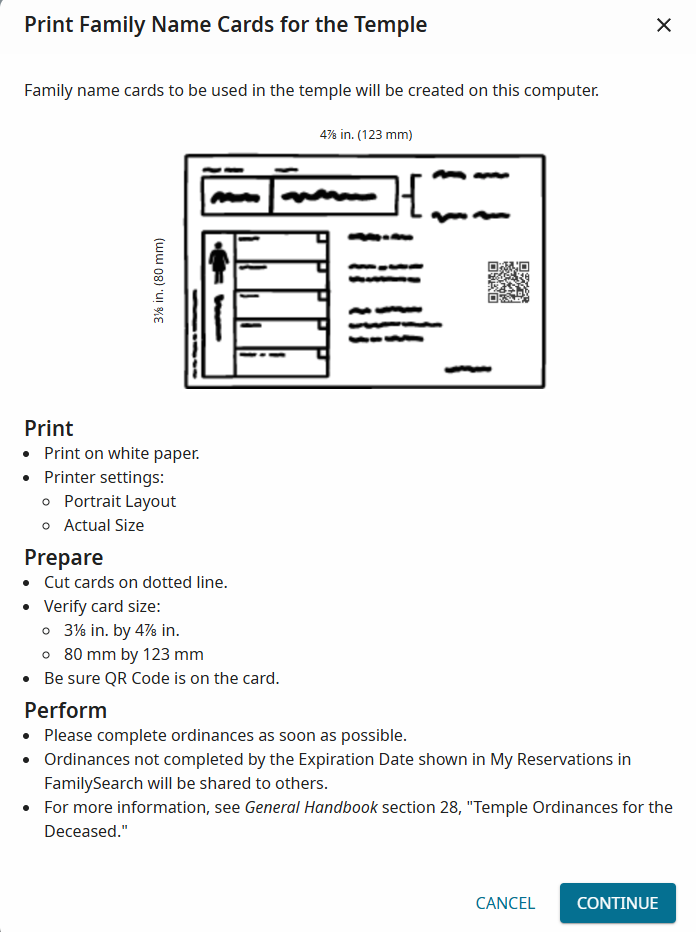
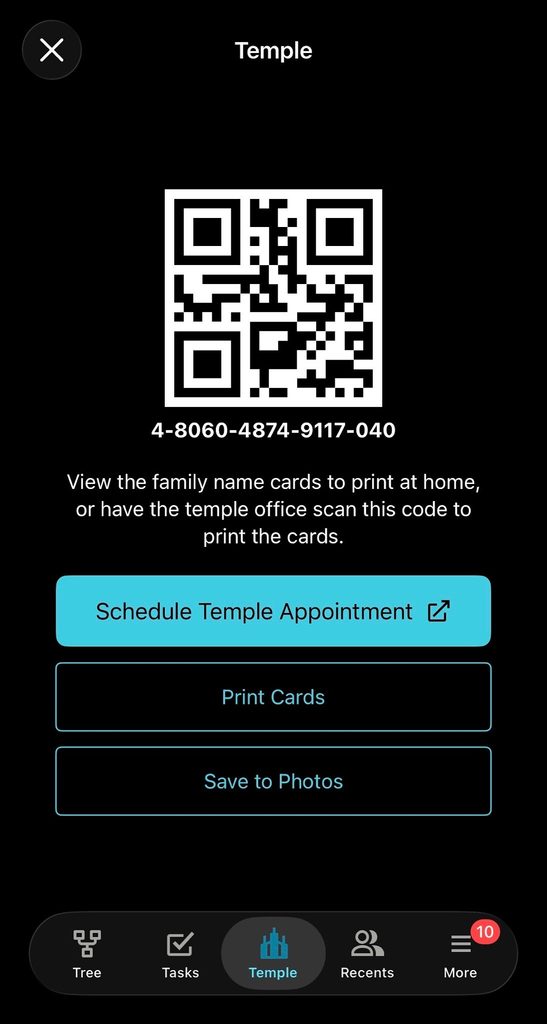
Step 5: Reserve an Appt or check the walk-in times
Step 6: GO TO THE TEMPLE. The abundant blessings God has promised, and your family are waiting for you. If you printed the cards, make sure they are cut out correctly. If using a QR code, simply tell the workers at the front desk you have a code and need help printing your names, and they will assist you.
It really is simple to bring a family name to the temple. We’d love to hear about your experience! Invite someone to go with you to the temple, and share a picture or testimony with us. You can email us at: fwcommdirector@gmail.com
Hope you found this helpful,
Magenta Koperniech
Communication Specialist